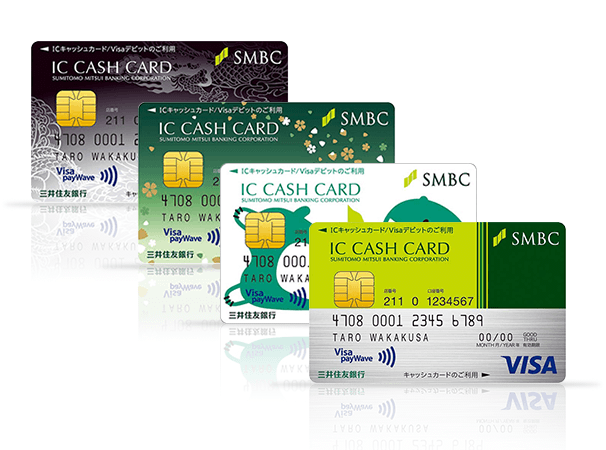
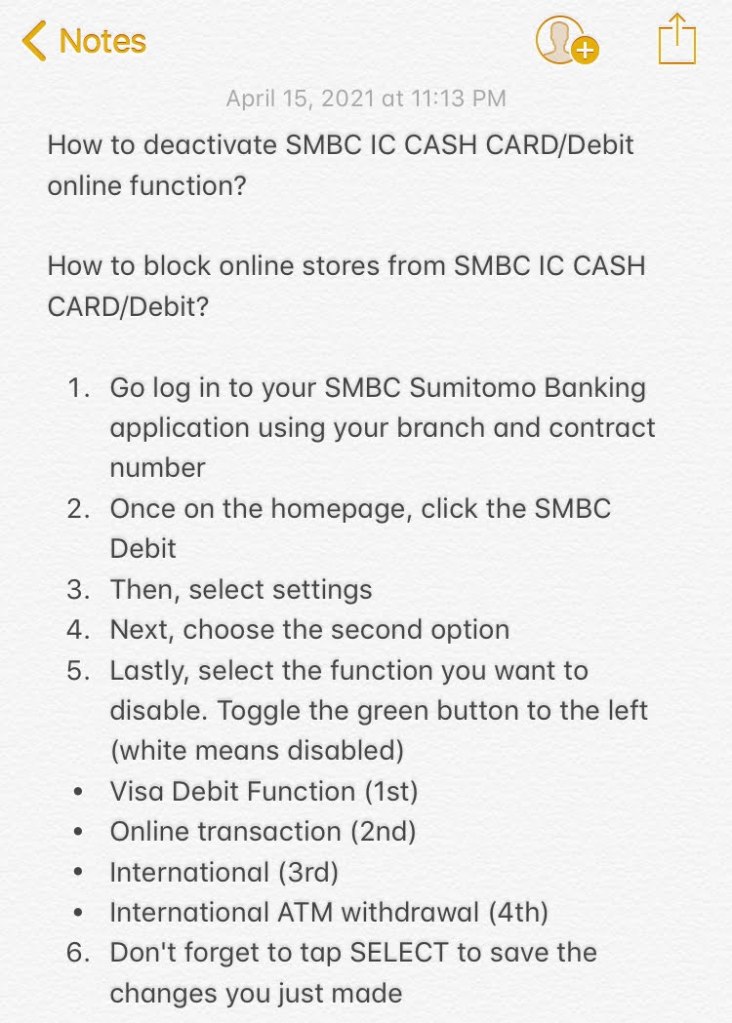
- Go log in to your SMBC Sumitomo Banking application using your branch and contract number
- Once on the homepage, click the SMBC Debit
- Then, select settings
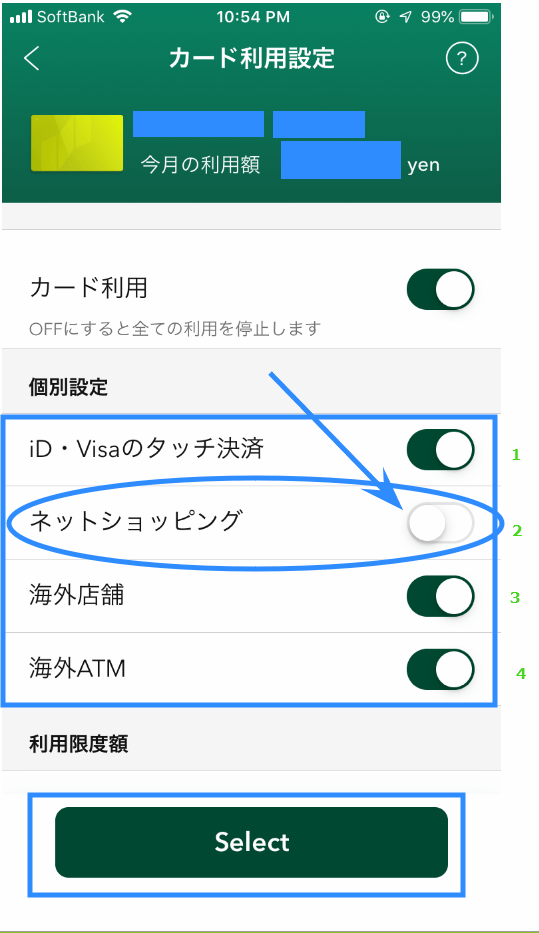
- Next, choose the second option
- Lastly, select the function you want to disable. Toggle the green button to the left (white means disabled)
Visa Debit Function/Stores (1st)
Online transactions/Shopping (2nd)
International Stores (3rd)
International/Overseas ATM withdrawal (4th)
- Don’t forget to tap SELECT to save the changes you just made


 Some Random Thoughts